Selecting the Best Laptop Processor is one of the main component in your device that you cannot opt out in your tech list. If you’re new here, we’re going to provide deep-details about processors further below. So, stick with us!
Unsure about the type of chip required for your upcoming laptop? This guide clarifies the functioning of laptop CPUs, interprets their specifications (such as cores, clock speed, and the U, H, and HX suffixes), and aligns each choice with your tasks and budget plan.
TO-THE-POINT: Did you notice your notebook needs a heavier processor, a Ryzen AI 9, or something in between? Which processor is right for you might be a puzzling choice and surely that can add a big $’s difference to a laptop’s price. So to make sure the purchase is actually worth it? We want you to make the best decision while buying a processor. Our comprehensive beginner’s-guide to CPUs will help you get the most reliable processor in your budget.
You May Like to Read: 2026 Aeroblade ThinkBook: Key Features and User Benefits
Today’s Guide will help you de-code every laptop CPU specification whether count to gigahertz, TDP to cache, it enables you to select the one that fits you best. (Quick Note: Desktop CPUs are modular and easily swappable, whereas laptop processors are soldered directly onto the logic board, making future upgrades impossible).
1. Understanding Basic Laptop CPU Fundamentals
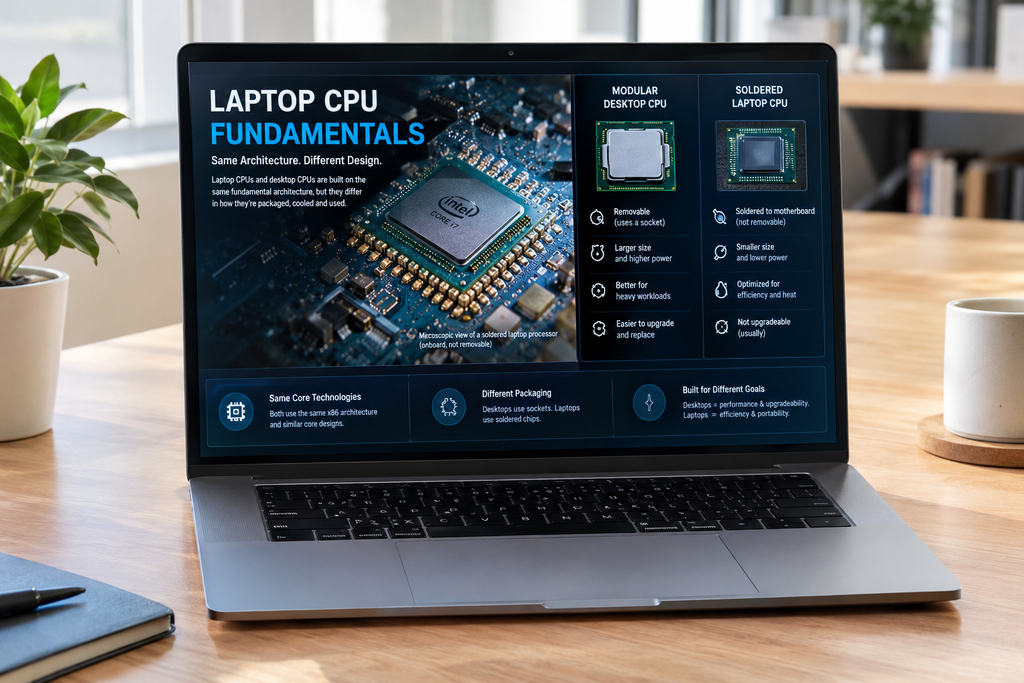
Laptop & Every Other Device that operates digitally must have CPUs as these are the most responsible part of the device which handles every operation/command smoothly. A basic Laptop CPU can work smoothly until/unless you are just a basic day-to-day user and not doing much of the heavier stuff such as editing, designing, gaming & etc.
Before we dig into CPU recommendations, let’s completely understand what makes a difference between cheap processors and expensive ones by focusing on the main highlights that every laptop CPU has in common.
2. What is Instruction-Set Architecture (ISA)?
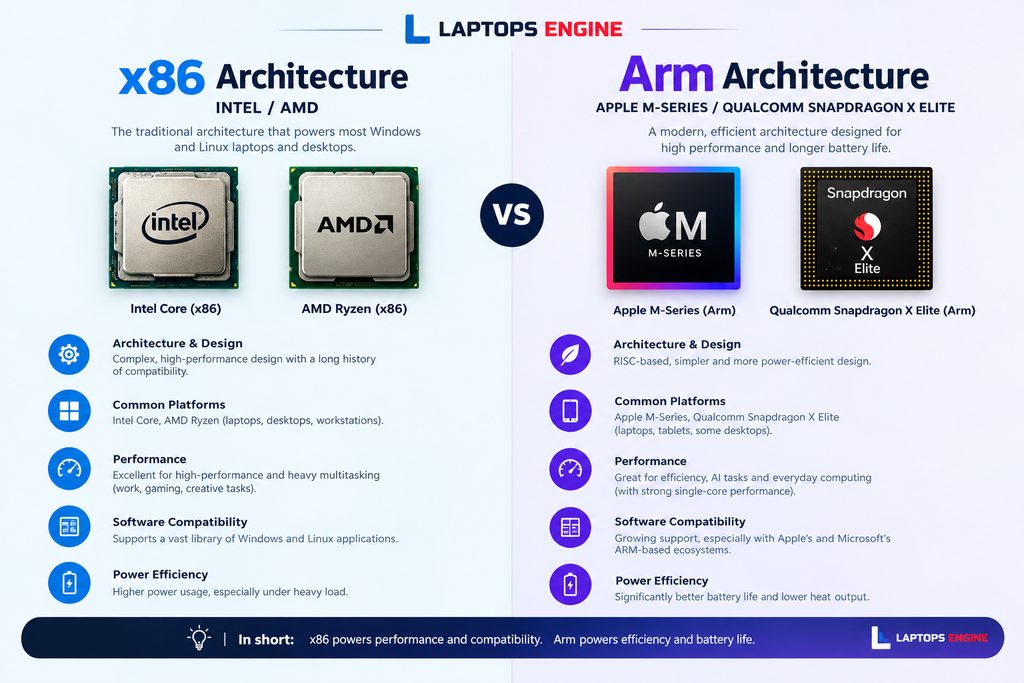
A CPU relies on a Baseline Form Factor that is called an Instruction-set Architecture (ISA). This diagram controls how the processor interprets computer code. Operating System (OS) Software is built around CPU design. And, most apps run best on the specific configurations they were initially created for, this is the most crucial choice when buying a laptop.
If we take a leap on (ISA) we should not be unfamiliar with Arm and x86 ISA. This is the most commonly used laptop processor in the on-going ERA and it was originally introduced in 1978 by Intel. Arm chips depend on designs licensed from Arm Limited, a UK firm majority-owned by the Japanese company SoftBank.
Chip design is not an option for Mac consumers because updated MacBooks only use Arm-based M-series silicon. For both x86 and Arm platforms, Linux, Windows, and ChromeOS users have options. Early Windows-on-Arm devices, such the Surface Pro 9 SQ3 and ThinkPad X13s, failed to make a lasting impression, but higher-end Snapdragon X Elite and Premier laptops, like the HP OmniBook X 14 and Dell Latitude 7455, have rendered Arm Windows an appealing option.
3. Cpu Core Count vs. Thread Count
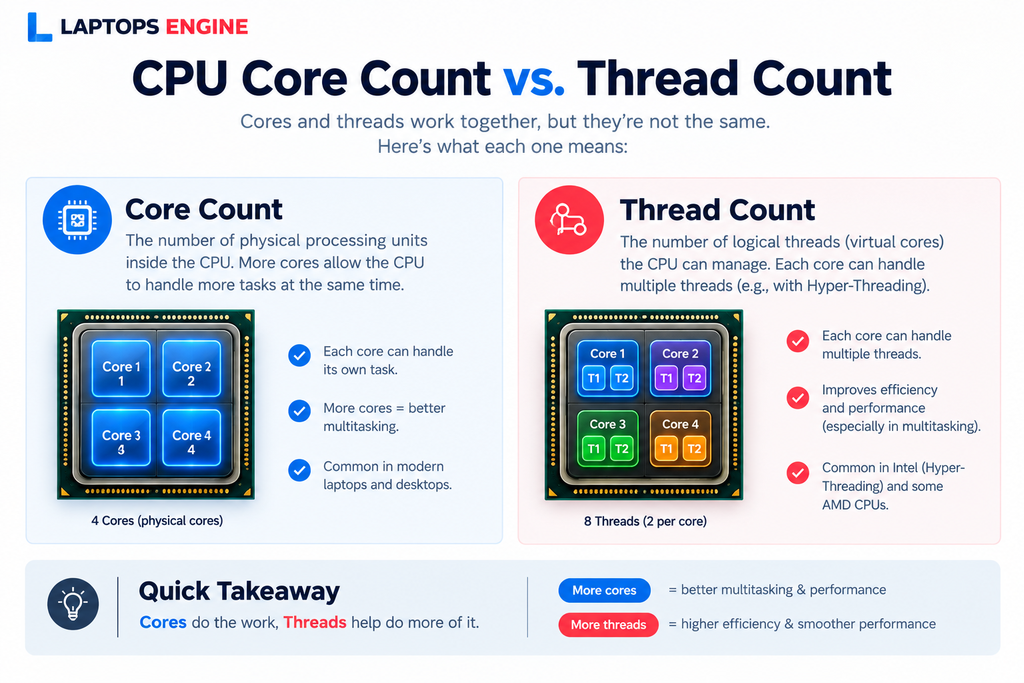
Nowadays, laptop CPUs are built up of multiple cores, and these are effectively rational brains of the chip. It is believed that there is a limitation to the number of threads you have access to in any particular situation, but in precise way, more cores are superior over less.
For CPU-intensive tasks such as (video editing and gaming), we suggest our users to use an AMD processor with at-least six or eight cores or an Intel CPU with six or more performance cores. As they require more cooling, this type of CPUs are usually found in mid-range and greater laptops as opposed to ultraportable tiny laptops.
With all variables considered, core count continues to be the primary engine for raw performance, even though thread counts are important for multitasking. Prioritizing a powerful CPU with at least six to eight cores (or Intel performance cores) is crucial for high-level tasks such as gaming and video editing. These outstanding performance CPUs are more appropriate for mid-range and bigger laptops than ultraportable devices because they produce a lot of heat.
4. Clock Speed: Measuring Processor Power
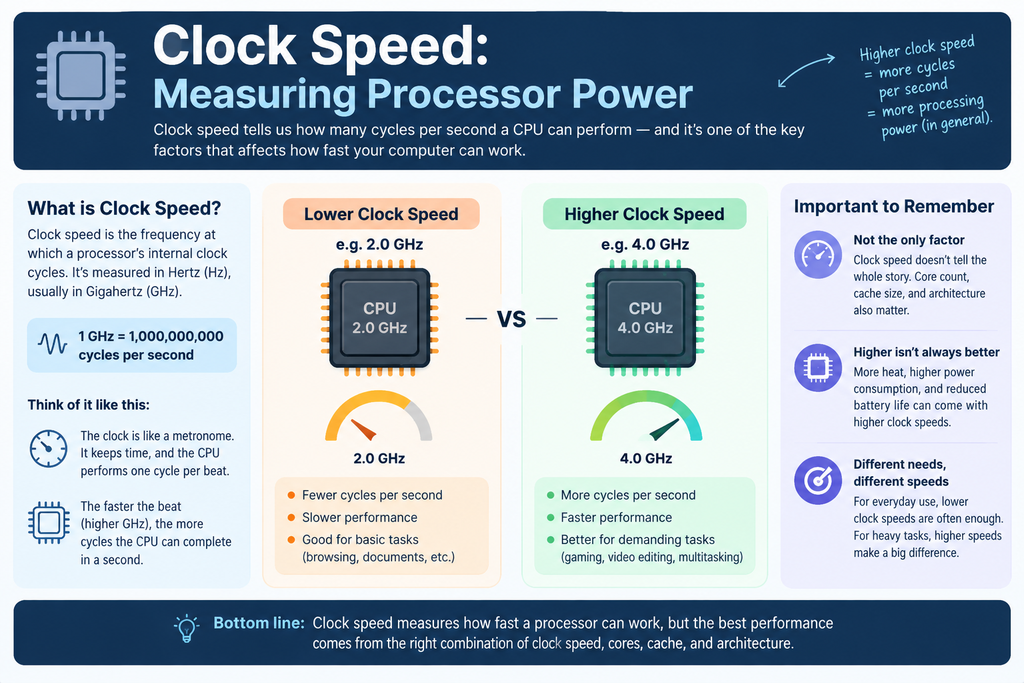
Clock speed indicates the number of cycles a processor can finish within a second, expressed in gigahertz (GHz), where one gigahertz corresponds to a billion cycles occurring each second. Typically, a higher figure signifies that the chip can process instructions more rapidly, making it the primary specification that many consumers look for. Processing units in laptops display two frequencies: the base clock, which is the constant speed for routine tasks, and the boost clock, which reflects the peak speed the processor can achieve for brief periods. For instance, a processor with a rating of 2.0 GHz for base and 5.0 GHz for boost operates around 2.0 GHz during light workloads and accelerates to 5.0 GHz under greater demands.
Still, relying solely on GHz can be misleading, as processors with the same speed can exhibit significantly different performance levels. Factors such as the number of cores, architecture of the chip, and cooling solutions all influence actual performance outcomes. A modern 3.5 GHz chip may outperform an older one clocked at 4.0 GHz with ease. Additionally, slim laptops might experience reduced performance due to heat, a phenomenon known as thermal throttling.
- Only chips from the same generation should be compared.
- For daily use, prioritize battery life over GHz.
- Consider Choose a high boost clock for heavy tasks.
- User must verify the clock speed and core count before purchasing.
- To keep up with the performance, look for robust cooling.
CPU Levels, Performance, & Cost Breakdown
There can be a significant price difference amongst laptop processors because they are not all designed for the same function. The vast majority of companies categorize their chips into four categories: entry-level (Core i3, Ryzen 3), mid-range (Core i5, Ryzen 5), high-end (Core i7, Ryzen 7), and enthusiast (Core i9, Ryzen 9). In general, each upgrade improves the number of cores, boost speeds, and performance, but it also doubles the price. In order to ensure that you simply buy the power you will need, we will go over what each level can manage, and how much you should budget.
CPU Levels Breakdown
| Level | Models | Function, & Core-details |
| Entry-Level Processor | Core i3, Ryzen 3 | seamless streaming, documents, and browsing. Laptops with these CPUs typically cost a minimum, making them the most affordable option for students and everyday home use. |
| Mid-range Processor | Core i7, Ryzen 7 | the ideal combination of cost to performance. It is compatible with most people because it can handle light photo editing, casual gaming, and multitasking without significantly increasing the price. |
| Advance-Level Processor | Core i9, Ryzen 9 | Specifically designed for professional workloads, intense gaming, and 3D graphics. It requires powerful cooling to function properly and is the fastest and most costly. |
1. AMD Ryzen 5 7500 Desktop Processor
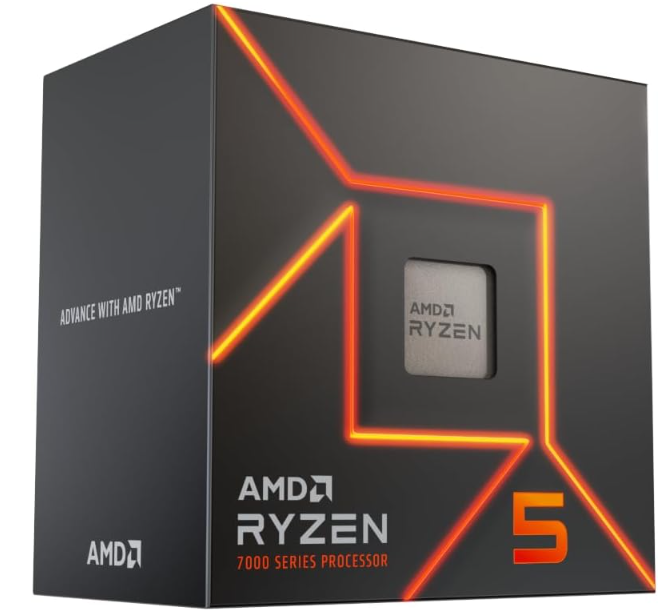
For the AM5 Chipset, the AMD Ryzen 5 7500 is an entry-level desktop CPU. With up to 6 cores and 12 threads, a 3.7GHz base clock, a 5.0GHz boost, and a 65W TDP, it is a Typical Zen 4 CPU. It has a packaged cooler and integrated Radeon graphics, in comparison to the 7500F. Because of this, it is a suitable choice for an office or home system, a first PC build, or a gaming build where you would like to add a graphics card later. Based to a listing, it came out in September 2026 at a proposed price of $189 and uses the AM5 connector. Due to its 65W rating, it also runs cool and doesn’t need an expensive cooling system.
2. AMD Ryzen 7 5700X Desktop Processor
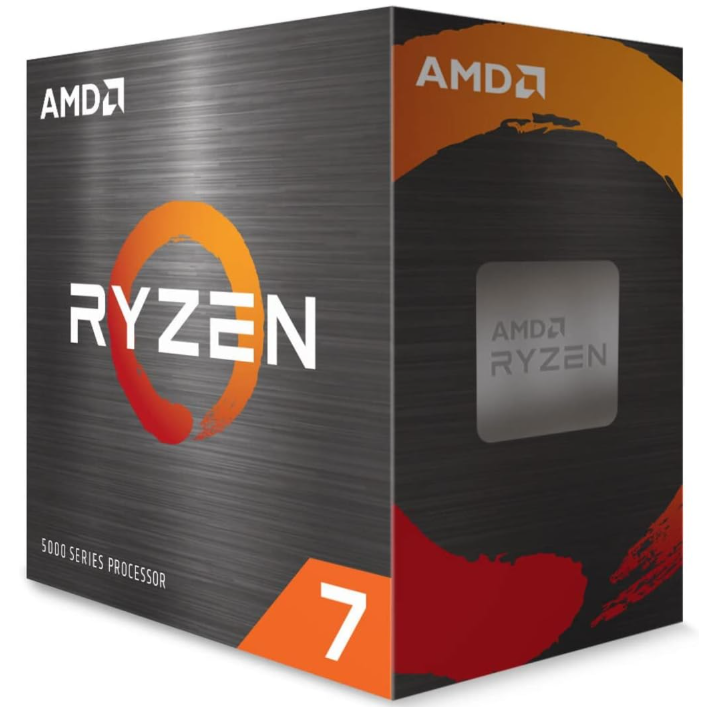
Following the Zen 3 for the AM4 socket, the AMD Ryzen 7 5700X is an 8-core, 16-thread processor. It has a 65W TDP and operates at a base clock of 3.4 GHz with a boost to 4.6 GHz. Because of its 65W rating, it remains efficient and cool, making it suitable for modest coolers and small tasks. Because it performed almost as well as the more expensive 5800X, experts at launch referred to it as the best value in the Ryzen 7 5000 series. An older Ryzen system may be updated without a new board or memory special thanks to its eight cores, which provide enough power for gaming, streaming, photo editing, and intensive multitasking. It also fits into the majority of current AM4 motherboards.
List of Entry Level Processors
# | Image | Product | Price | View |
|---|---|---|---|---|
Intel Processors | ||||
1 | 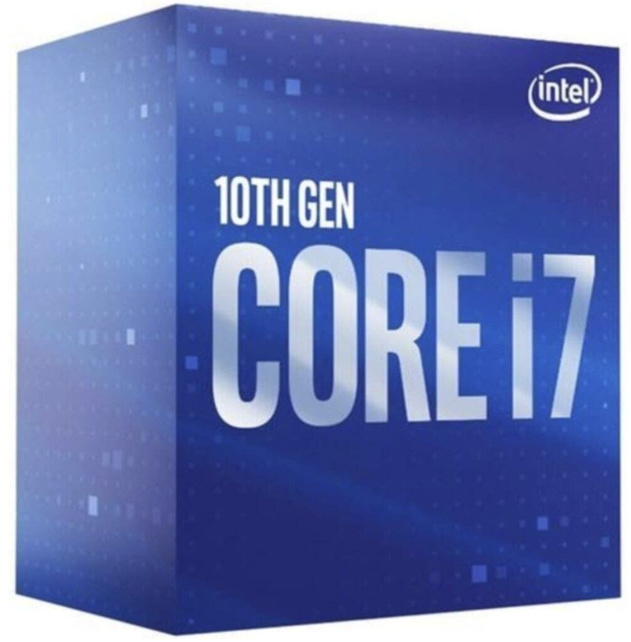 | Core I7-10700F Processor | $165.17 | |
2 | 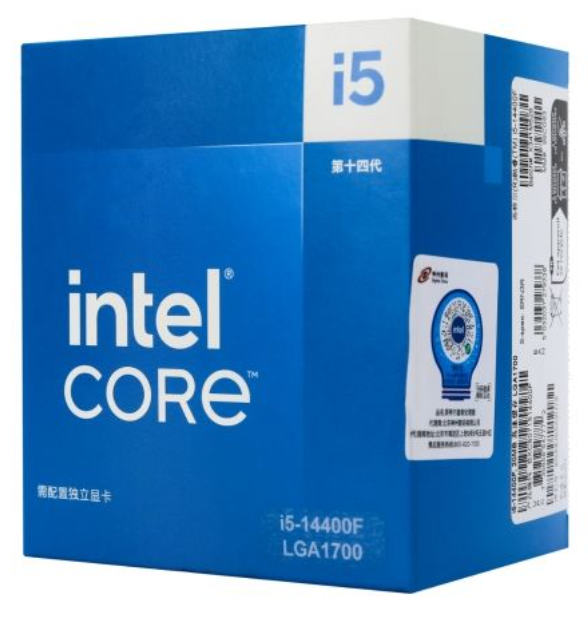 | Core I5 14400F Processor | $108-$128 | |
3 | 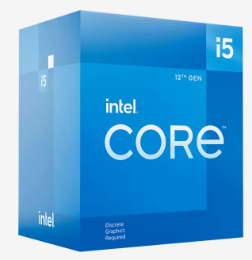 | CPUs I5-12400 | $90-$225 | |
AMD Processors | ||||
1 | 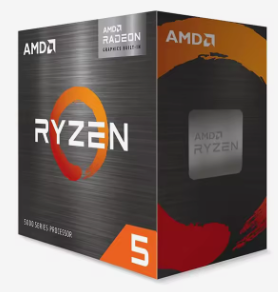 | AMD R5 5600G Processor | $115, $112, $109 | |
2 | 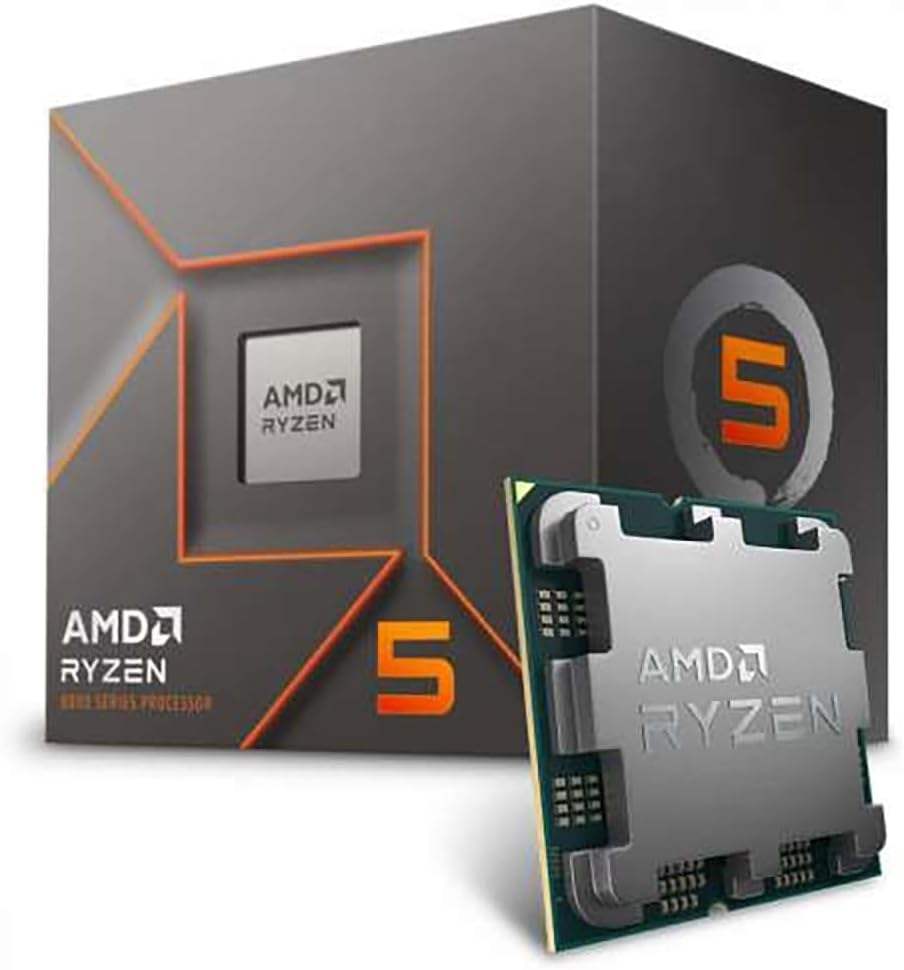 | AMD Ryzen 5 8400F Processor | $120.40 | |
3 | 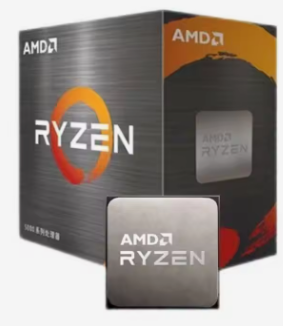 | AMD 5500X3D Processor | $195 |
Final Conclusion: Choosing the Best Laptop Processor
Purchasing a laptop processor may sounds like a major upgradation to your system, but if you exactly know what to consider, it gradually becomes much smoother process. Start with the Structure: Arm chips like Apple’s M-series and Snapdragon X Elite concentrate on battery life and efficiency, while x86 chips from AMD and Intel offer the broadest software support. Plus, consider threads and cores, as more cores result in more greater multitasking.
On the other hand, consider clock speed as just one factor, as a more recent chip operating at a lower GHz can never compete or outperform an older/funky, faster-clocked one. Matching the chip to your current situation rather than the largest number on the package is the most crucial step. For gaming, documents Storing, and surfing, entry-level chips are more then sufficient. Mid-range ones cover most people, and high-end processors only make sense if you edit video, or gaming seriously, or run heavy software. When comparing pricing, the Ryzen 5 7500 and Ryzen 7 5700X, as well as the budget table above, are ideal places to start. Keep enjoying a laptop that feels fast for years rather than one that only looked good on paper if you set your budget, being honest about the way you will use the computer, and pick the CPU that actually fits.
Pingback: Laptop Buying Guide: 5 Essential Tips to Help You Choose the Right Laptop | Laptops Engine